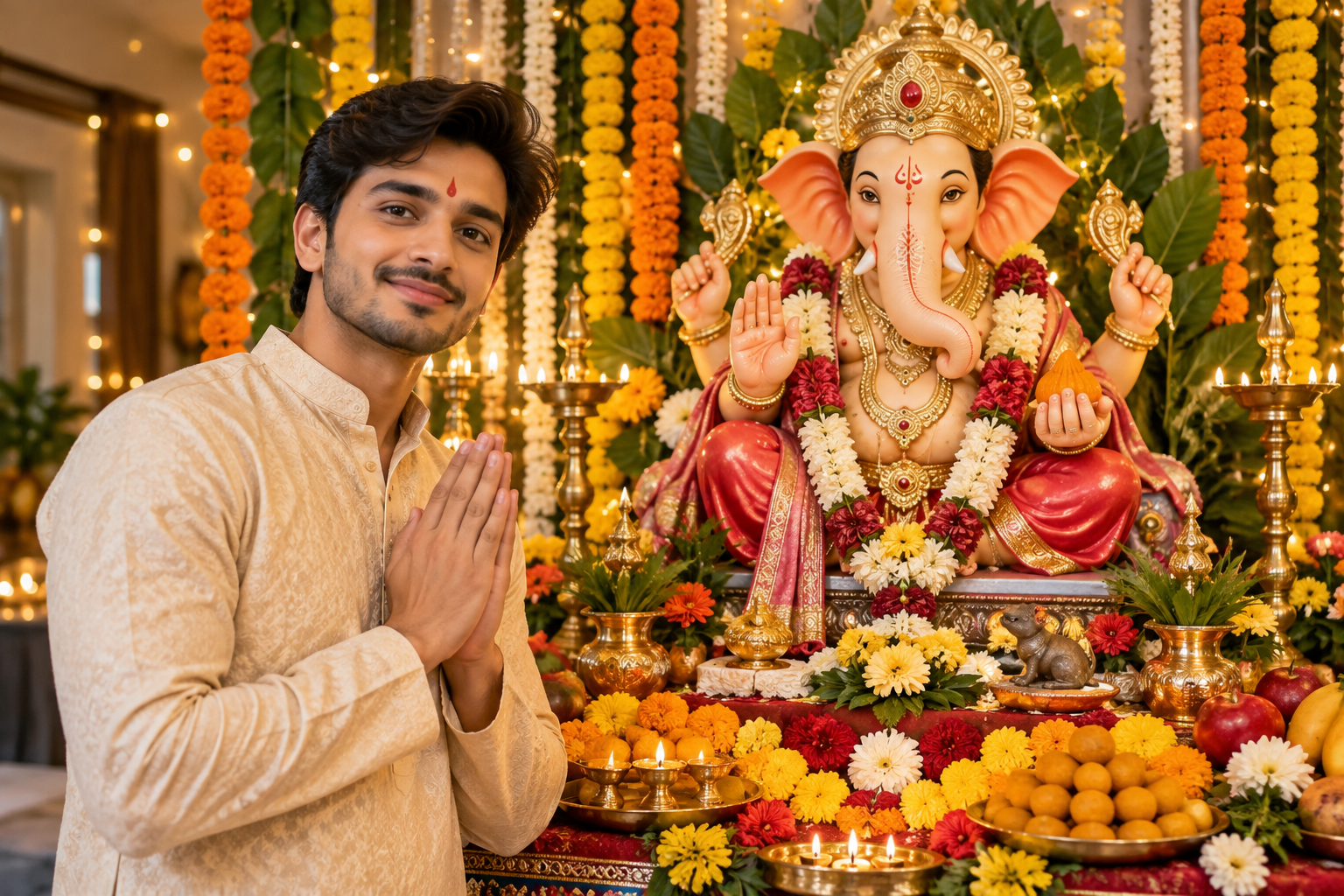
Ganesh Chaturthi 2026 is being celebrated across India on September 14, and alongside traditional pooja, decorations and cultural programmes, AI-generated festive photography has become another way for people to express their creativity.
AI image generators can transform an ordinary photograph into a devotional Ganpati-themed portrait by changing the background, clothing, lighting and overall atmosphere. The key, however, is not simply asking an AI tool to “make a Ganesh Chaturthi photo”. A detailed prompt generally gives much greater control over the final composition.
Ganesh Chaturthi AI Image Prompt
A useful prompt should describe the person, clothing, setting, Ganpati idol, lighting, mood and photographic style. Users can paste the following prompt into a compatible AI image-generation or editing tool and customise the details.
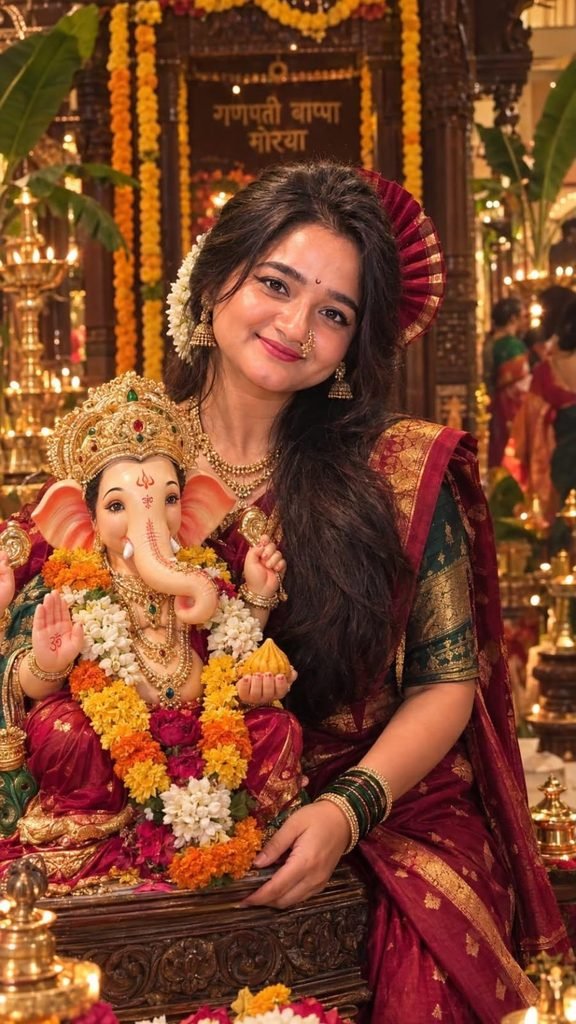
Gemini Prompt
Prompt:
“Transform my uploaded photo into a realistic and elegant Ganesh Chaturthi celebration scene. Keep my facial identity, natural skin tone and facial features unchanged. Show me wearing a traditional Indian festive outfit, standing respectfully beside a beautifully decorated Ganpati Bappa idol. Add marigold flowers, diyas, rangoli, subtle festive decorations and a warm traditional Indian home setting. Use soft golden lighting, realistic shadows, natural skin texture and cinematic depth of field. Make the image photorealistic, devotional and culturally authentic, with detailed fabric, jewellery and decorations. Keep the composition natural and premium, as if captured by a professional photographer during Ganesh Chaturthi.”
Ganpati Bappa AI Photo Prompt for Traditional Look
For users who want a more traditional appearance, the prompt can emphasise Indian clothing and festival décor.
“Create a photorealistic Ganesh Chaturthi portrait using my uploaded photograph. Preserve my face and identity accurately. Dress me in elegant traditional Indian festive clothing and place me beside a beautifully decorated Lord Ganesha idol surrounded by marigold garlands, diyas and rangoli. Use warm golden illumination, authentic Indian décor, realistic textures and a peaceful devotional atmosphere. Professional DSLR photography, natural proportions, detailed face, realistic hands and cinematic background blur.”
AI Prompt for Ganesh Chaturthi Instagram Photo
For social-media images, a more cinematic composition can work well:
“Turn my uploaded photo into a premium Ganesh Chaturthi celebration portrait. Keep my face completely natural and recognisable. Place me in a beautifully illuminated Ganpati celebration with flowers, diyas, traditional decorations and an elegant Ganesh idol in the background. Add cinematic warm lighting, realistic depth of field, subtle bokeh and sophisticated colour grading. Make it look like a professionally photographed Indian festival portrait, realistic rather than artificial.”
The current popularity of festival-themed AI prompts reflects a broader shift in how people create personalised digital greetings and social-media photographs. Recent coverage has highlighted prompts for devotional portraits, Ganpati celebrations and personalised festive images.
How to Get Better Results from an AI Image Prompt
The most important instruction is to tell the AI tool what must remain unchanged. If using a personal photograph, specify that the face, facial structure and identity should be preserved. Users should also describe the desired clothing and environment rather than relying on a short generic command.
For example, adding details such as “traditional Maharashtrian decoration”, “marigold garlands”, “warm diya lighting” or “realistic festival photography” can make the visual direction clearer.
It is also useful to avoid unnecessarily complicated prompts. A clear description of the subject, environment, lighting and photographic style is usually more useful than a long list of unrelated visual effects.
Ganesh Chaturthi is traditionally a major festival centred on the worship of Lord Ganesha, with celebrations continuing through Ganeshotsav and concluding with immersion on Anant Chaturdashi. In 2026, Ganesh Visarjan is listed for September 25.
What Makes a Good Ganesh Chaturthi AI Photo?
A strong festive AI image should balance devotional context with visual realism. Excessive effects can make an image look artificial, while an overly simple background may fail to communicate the festival.
For a credible result, users should prioritise natural facial features, realistic hands, proportionate objects, culturally appropriate clothing and believable lighting. AI-generated images can be creative, but they should not be presented as genuine photographs of events that did not actually occur.
The wider significance is straightforward: AI is becoming another creative medium for festival communication. Used thoughtfully, it can help people create personalised greetings and memories without replacing the cultural practices at the heart of Ganesh Chaturthi.