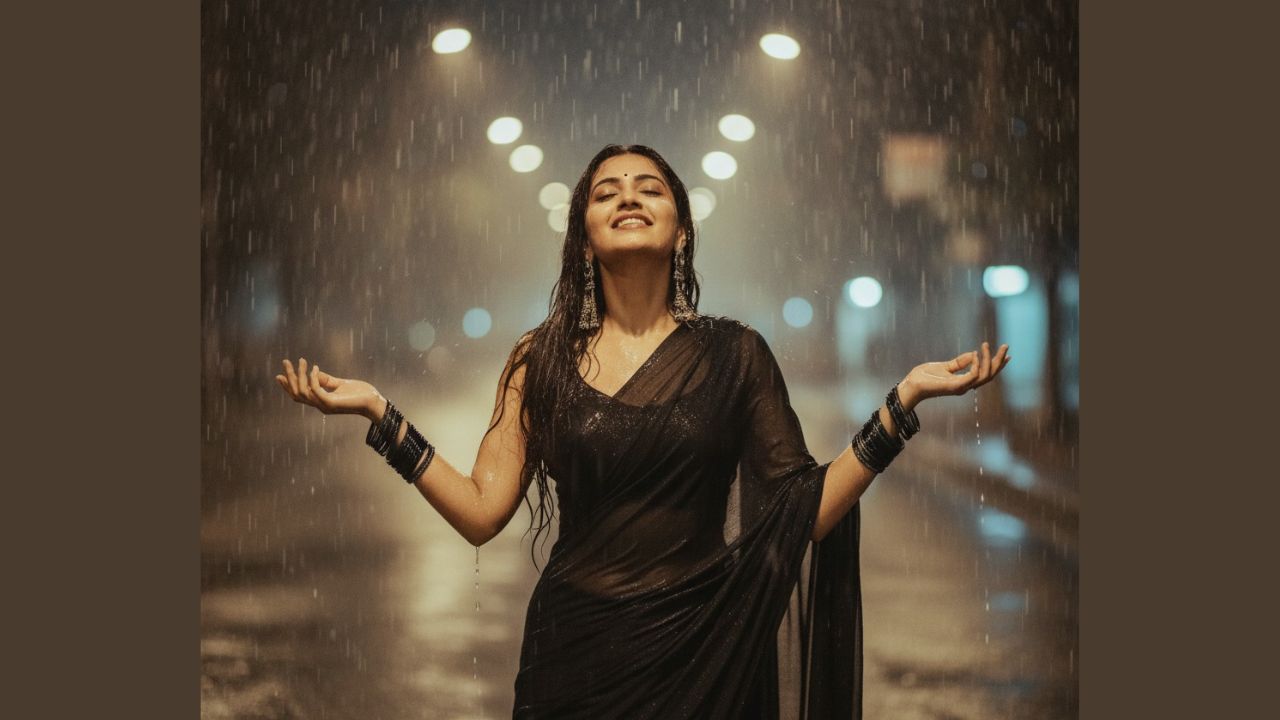
How to Create a Portrait, Gemini trending photo prompt saree, Retro Saree Prompt, red saree trending ai prompt: A few years ago, making an AI-generated portrait of an Indian woman in a saree was something only experts could do. It required advanced software and professional editing skills. But with the rise of AI, especially tools like Google Gemini, this task has become quick and simple. Now, anyone can transform a normal photo into a realistic AI portrait of an Indian woman in a saree, completely free.
Through this article, we will let you know everything step by step. By the end, you’ll know exactly how to create your own portrait using Gemini AI and the Nano Banana trend.
- How to Find Call Details of your Jio, Airtel, vi, etc number in 2025: Full Process Explained
- How to Create Your Own 3D Figure with AI Using Gemini, gemini ai figurine prompt, ai figure trend prompt, and statue making prompt
How to create a woman ai photo in saree prompt
Step 1: Open Google Gemini
Begin by visiting the official Gemini website or downloading the app from the Play Store. This is where you’ll create your portrait.
Step 2: Upload Your Image
For the best results, use a clear and high-quality photo. You can either upload a headshot or a full-body picture, depending on how you want the saree portrait to appear. Along with the photo, you will also need to enter a text prompt.
Step 3: Write a Detailed Prompt for the Red saree trending ai prompt Instagram
AI works best when it receives specific instructions. A detailed prompt helps Gemini create exactly what you want. For example, you might write something like this:
White Saree Prompt
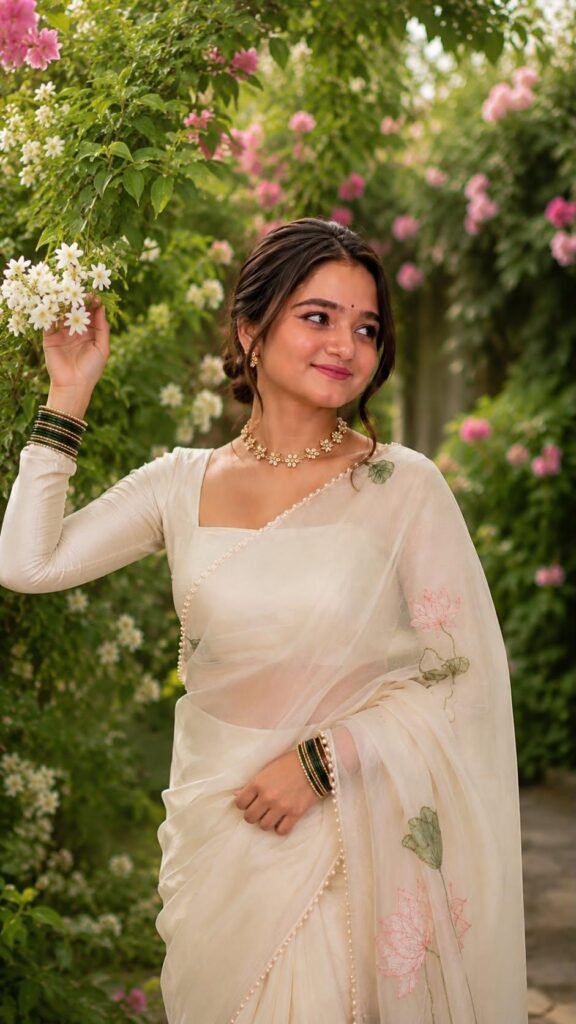
Summarized Prompt:
A beautiful young South Asian woman standing in a lush blooming garden, wearing an elegant ivory organza saree with delicate pink lotus floral embroidery and pearl-trimmed borders, paired with a matching full-sleeve blouse. She has a soft updo with loose face-framing strands, a tiny black bindi, natural makeup with pink lips, and a gentle smile while looking away from the camera. She accessorizes with a floral choker, matching earrings, and green-and-gold bangles on both wrists. Soft golden-hour natural light, dreamy floral bokeh, shallow depth of field, ultra-realistic, cinematic photography, 85mm lens, high detail, vertical 9:16 composition.
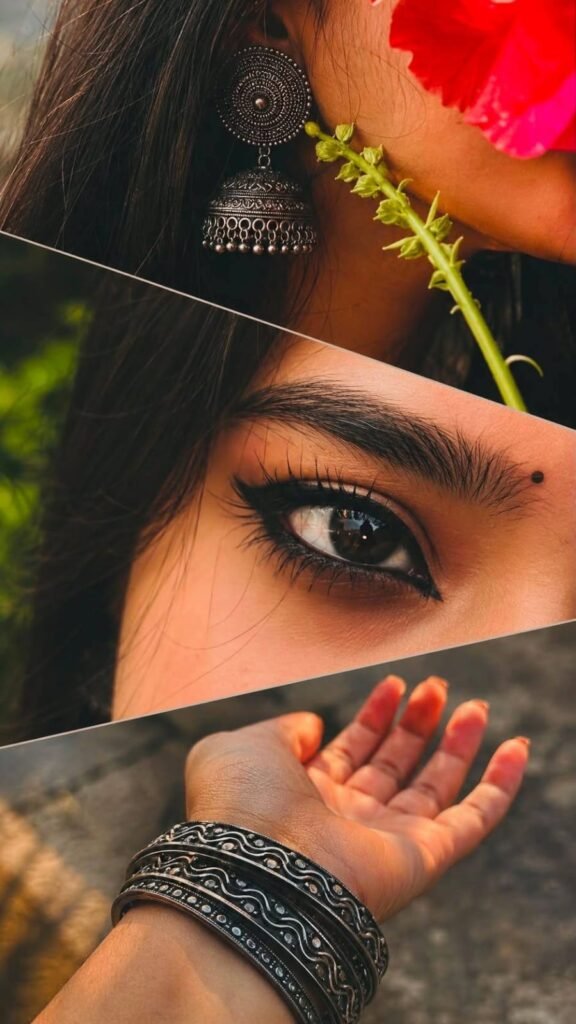
close-up details of a young South Asian woman, arranged in overlapping slanted sections.
Top panel: Extreme close-up of the side of her face, neck, and ear. She has long, straight black hair and wears a large antique oxidized-silver jhumka earring with a circular spiral design and intricately layered bell-shaped detailing. A fresh green flower stem rests near the earring, while a bright red flower petal partially covers the side of her face. Warm natural skin tones and soft sunlight create an intimate traditional mood.
Middle panel: Macro close-up of one expressive
dark-brown eye looking sideways. The eye is framed by bold black kajal, smoky eyeliner, long curled eyelashes, and a neatly shaped eyebrow. A small round black bindiis visible above the eyebrow. The iris contains soft natural reflections, while a blurred green background adds depth and contrast.
Bottom panel: Close-up of an elegant feminine hand extended gently forward with the palm facing upward The wrist is decorated with multiple dark oxidized-metal bangles featuring engraved tribal and wavy patterns. The hand is softly illuminated against a blurred neutral grey-brown outdoor background.
Diagonal layered composition, traditional Indian aesthetic, muted earthy colors, warm vintage color grading, slightly faded tones, soft natural lighting, shallow depth of field, subtle film grain, dreamy romantic atmosphere, detailed jewellery textures, expressive eye photography, editorial collage style, photorealistic, high-detail 4K quality, vertical portrait composition. Create a exclusive 9:16 ratio
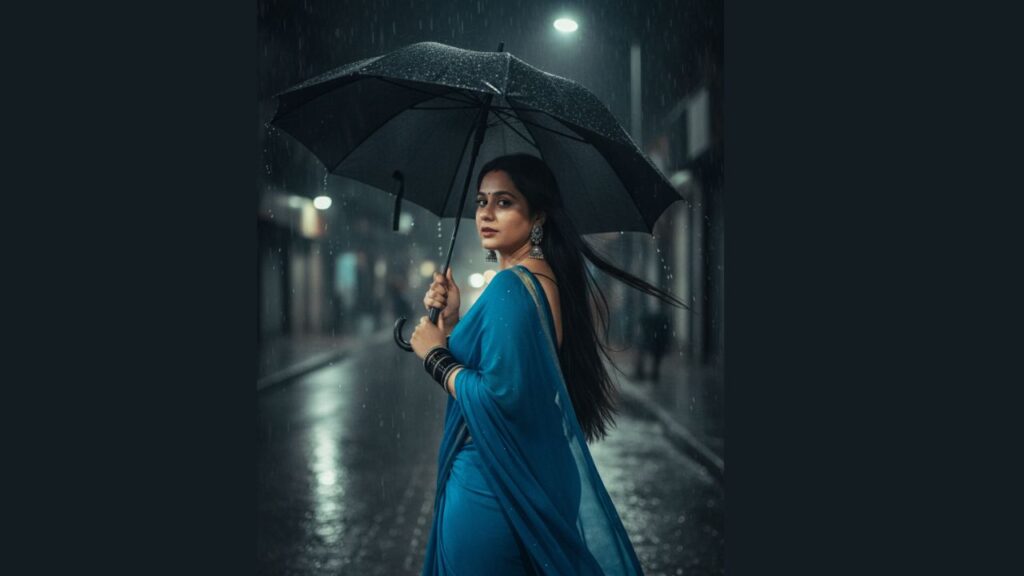
Blue Saree raining with an umbrella Prompt
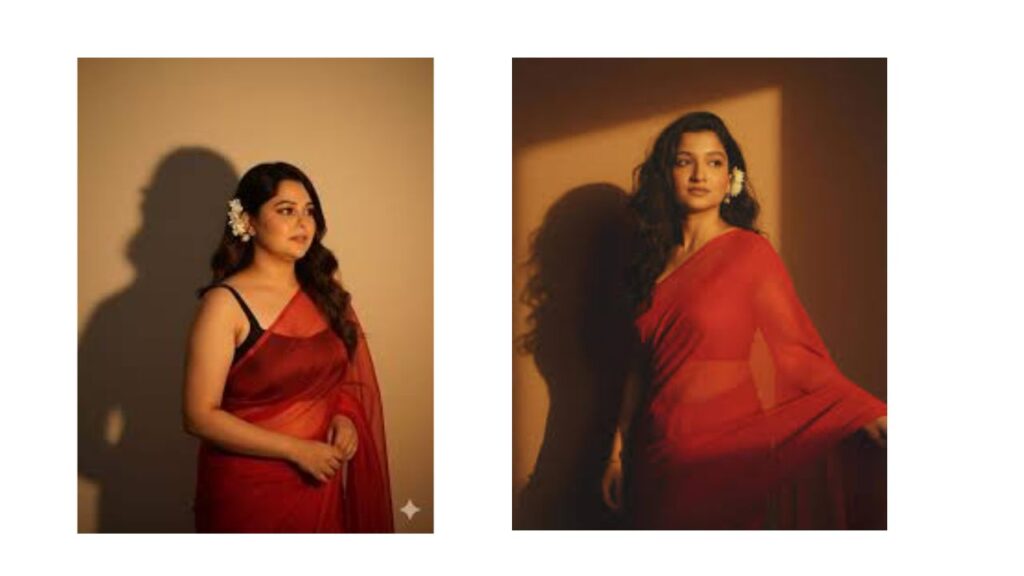
“Create a 4K realistic portrait of a young Indian woman with long, dark, wavy hair flowing over her shoulders. She is wearing an elegant red saree draped neatly over one shoulder, paired with a fitted blouse. A small bunch of white flowers is tucked behind her ear. Her expression is soft and calm, as she gazes slightly to the right. The background should be a plain, warm-colored wall with soft lighting from the right side, casting a gentle shadow behind her. Keep the uploaded face 100% same with no changes. And need overall mood retro and realistic”
Black Saree Ai prompt Gemini
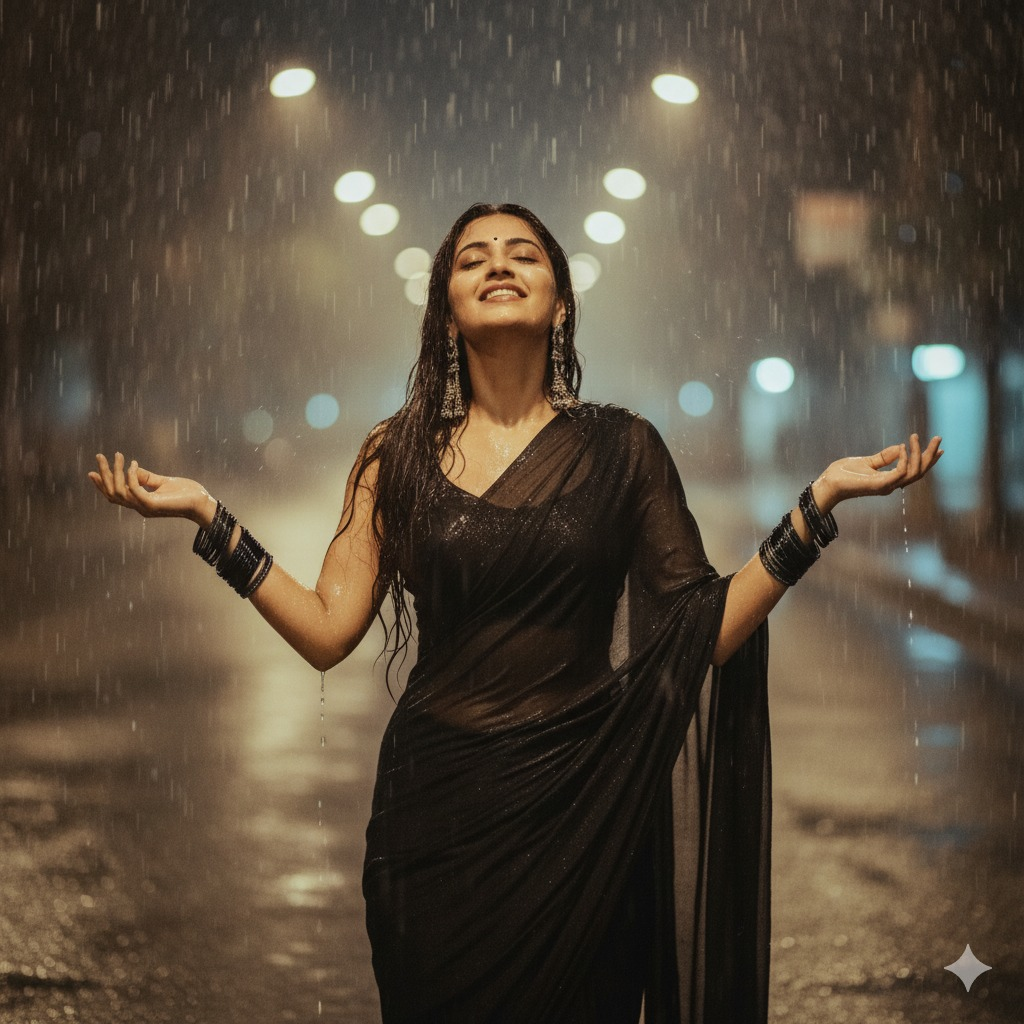
This type of prompt gives the AI a clear description of the style, outfit, lighting, and mood you want.
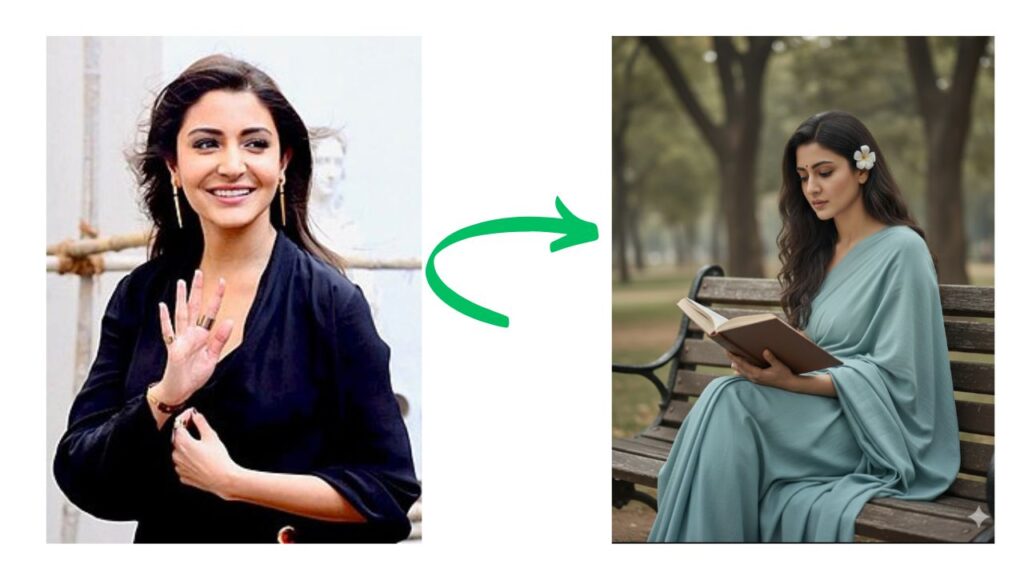
Light Blue Saree Prompt for Trending AI Saree
A beautiful Indian woman with long, dark, wavy hair, wearing a simple, elegant light blue sari. She is sitting on a wooden park bench, engrossed in reading a book. A white flower is tucked behind her ear. The setting is a peaceful park with tall, blurred trees in the background, creating a soft-focus, dreamy effect. The lighting is natural and gentle, with a soft overcast glow. The mood is calm, serene, and intellectual. High-resolution, cinematic, realistic, and highly detailed. Keep the face 100% face.
Step 4: Generate and Refine
Click Generate to see your portrait. If the result doesn’t meet your expectations, adjust your prompt. You can refine details such as:
- Pose
- Saree color or drape style
- Background design
- Lighting effects
Keep tweaking until you are happy with the final output.
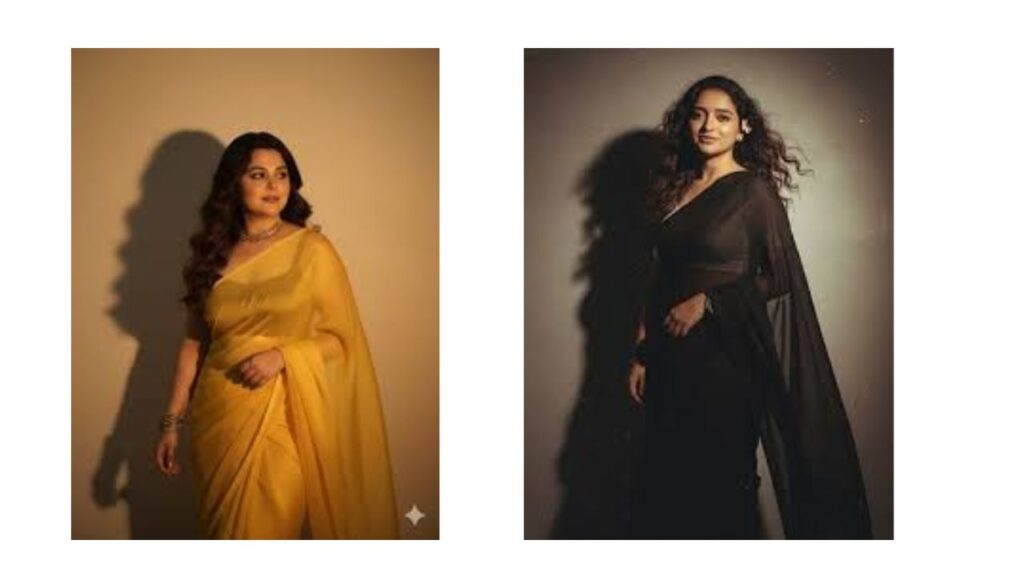
More prompt- Yellow Saree Romantic Ai Prompt
A beautiful Indian woman in a vibrant yellow saree stands on a wet street at sunset. She holds a bouquet of red roses and white lilies. The light is soft and golden, with rain-soaked asphalt reflecting the warm tones. The scene is shot from a medium-distance, full-body angle, highlighting the rich colors of her outfit against the blurred, bokeh background of the street. The mood is romantic and serene.
Red Gown Western look
A beautiful Indian woman in a stunning, full-length, deep red velvet gown with a thigh-high slit stands against a plain white wall. She holds a small bouquet of red and white roses. Dramatic natural light from a window creates sharp shadows on the wall behind her, highlighting her figure and the textures of the dress. She is looking directly at the camera with a confident and elegant expression. The setting is minimalist and chic, emphasizing the subject and the interplay of light and shadow.
Other Creative Prompt Ideas
The Nano Banana trend has gone beyond saree portraits. Many creators have tried different artistic styles by experimenting with prompts. Some recreate characters in a classic 16-bit video game style, while others design modern hologram-like figures using futuristic line art. These variations give you the freedom to explore and create unique digital art pieces.
What is Nano Banana AI Image Creation?
Nano Banana refers to a digital art style where small, polished, cartoon-like 3D models are generated using AI. Unlike handmade figures, these designs are created entirely by artificial intelligence.
The name “Nano Banana” became popular through social media platforms like Instagram, TikTok, and X (Twitter), where people began sharing creative AI-generated figures. From pets to celebrities, users turned almost anything into miniature collectible-style images. The appeal lies in their playful look, realistic touch, and the ease of making them with simple AI tools like Gemini.
Conclusion
AI has made digital creativity more accessible than ever before. With Google Gemini, you can design a beautiful portrait of an Indian woman in a saree without needing professional editing skills. All it takes is a clear photo and a carefully written prompt. Whether you want to experiment with traditional attire, create fun collectibles, or try different digital art styles, Gemini and the Nano Banana trend make it possible.